
Let your relatives know you are okay

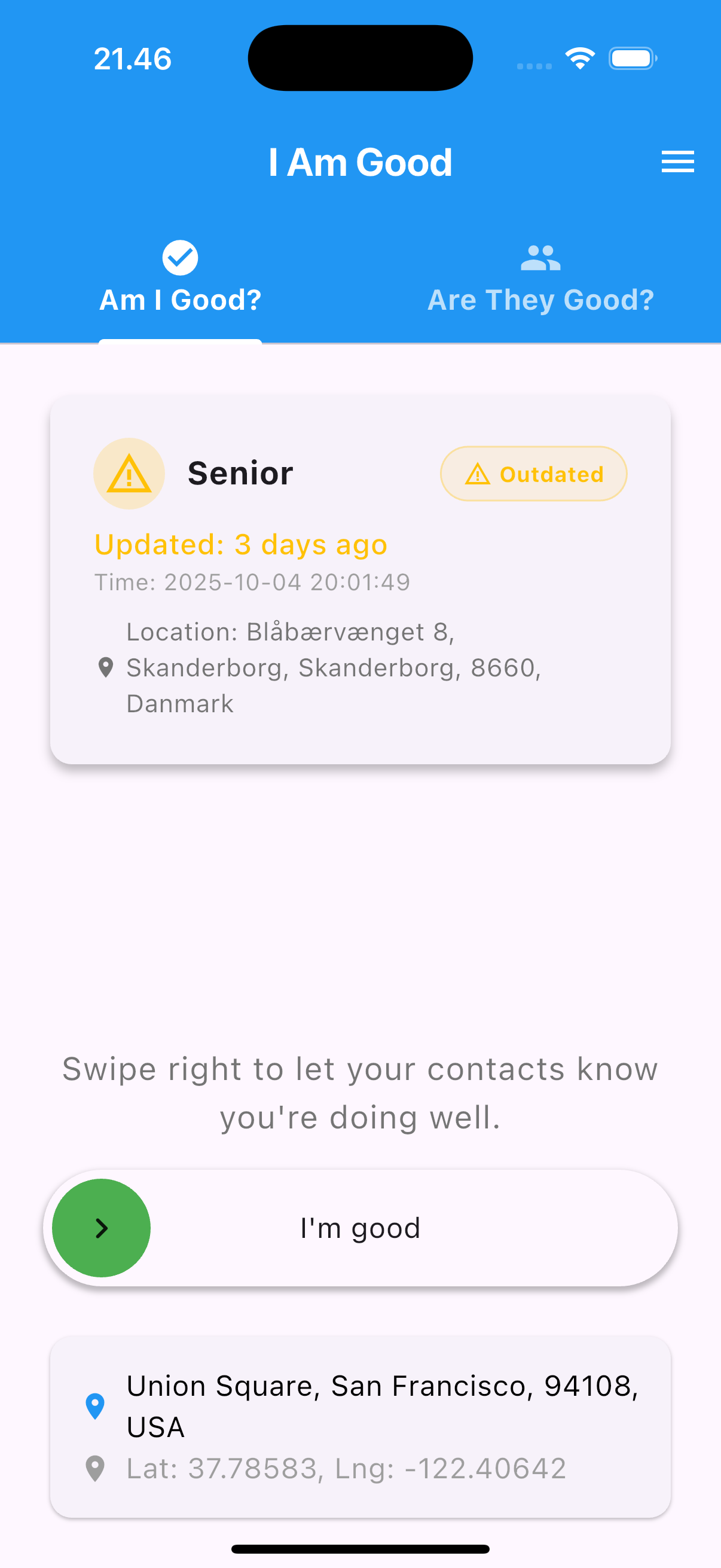
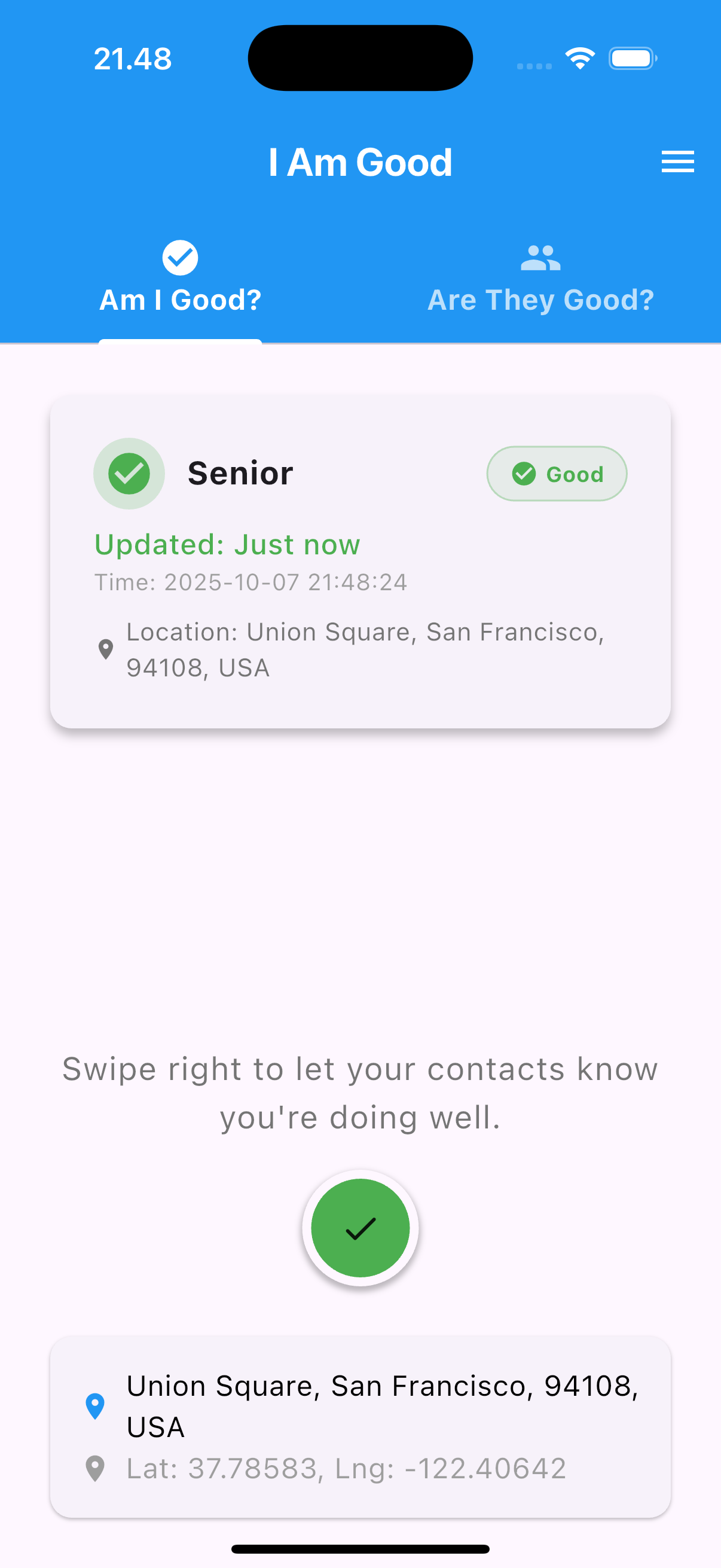
With I Am Good you can let your family know you're OK with just one swipe. If you don't send the "I'm good" signal, your relatives will be notified and can come help you.
I Am Good is designed to be simple and stress-free, without distracting features.
Get the app
Available for iPhone and Android

How it works
How to use I Am Good
Quick guide to show how I Am Good works.
-
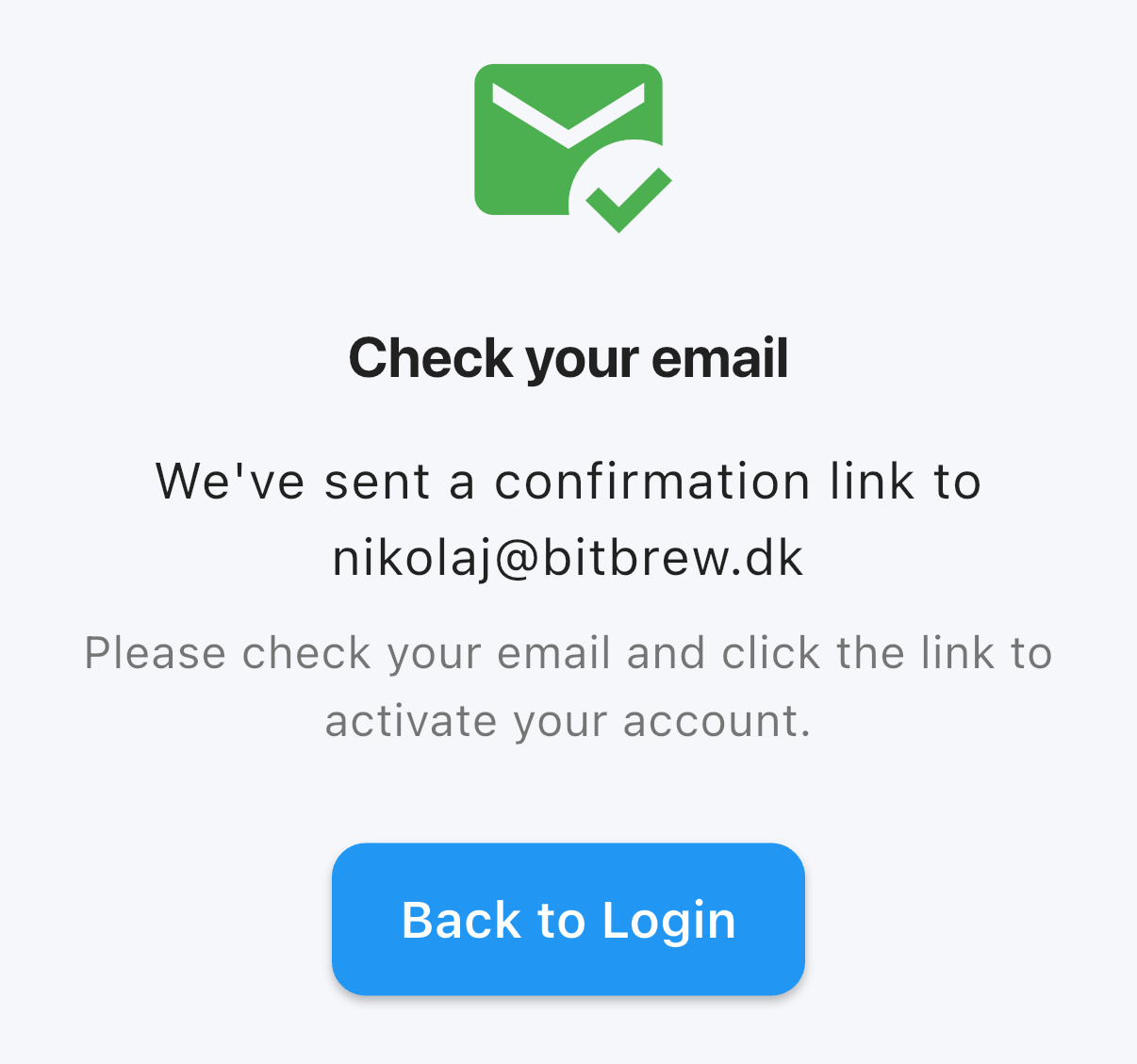 Sign up — Create an account and confirm your email address.
 -
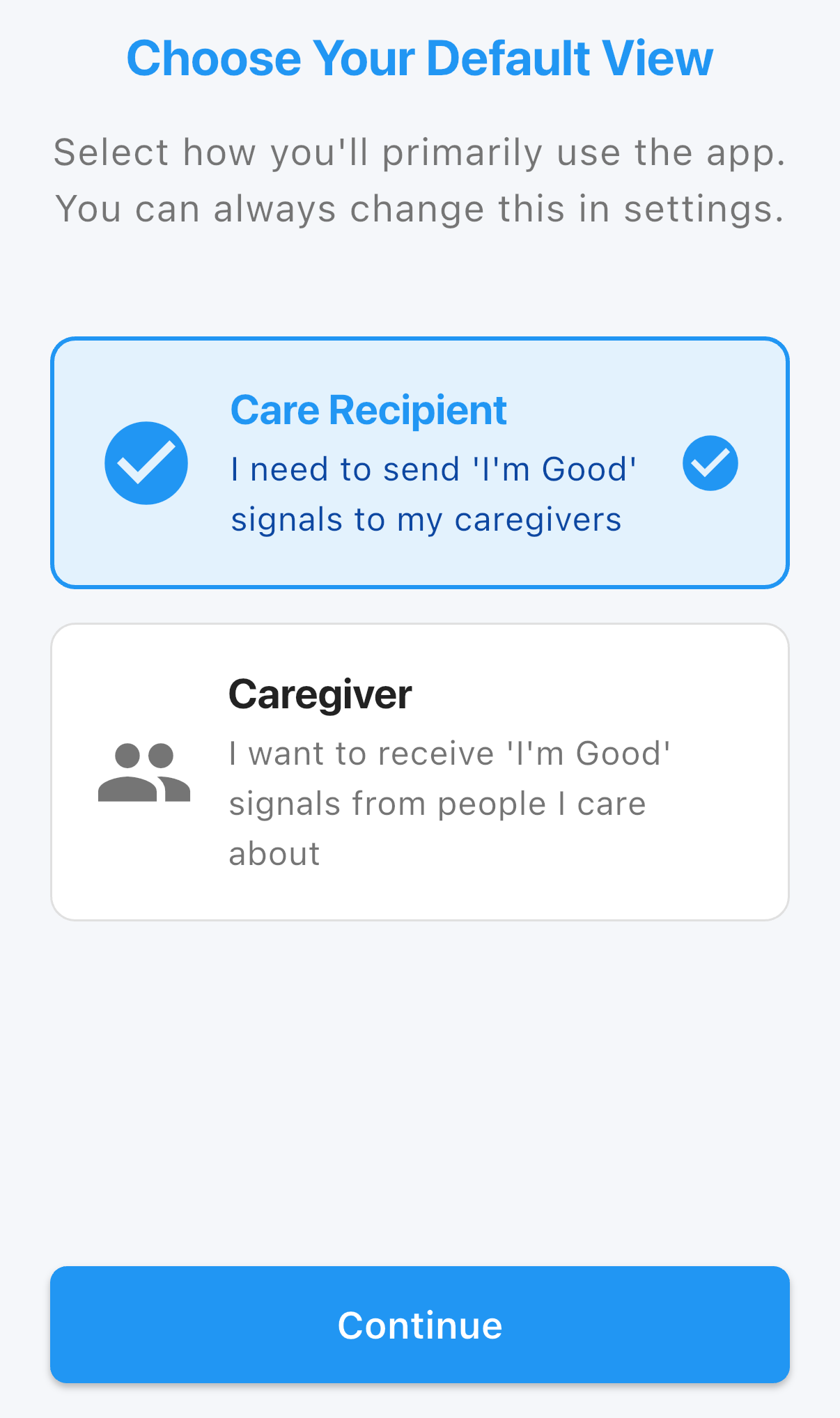 Select your default view — Choose care recipient or care giver. The care recipient can send "I'm good" signals; the care giver monitors and receives notifications.
 -
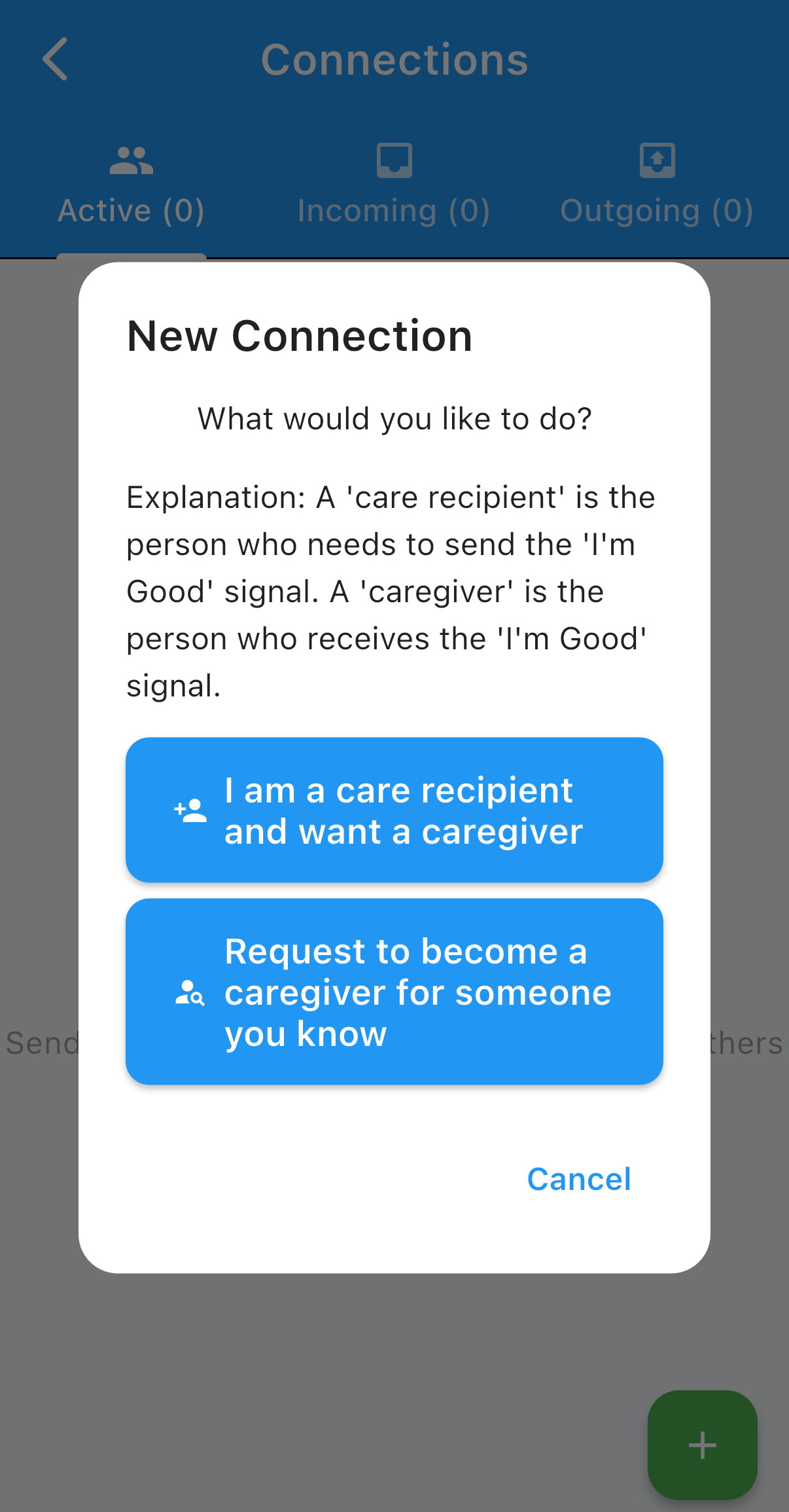 Create a connection — Add a loved one and indicate whether your role is a care recipient or care giver for that connection.
 -
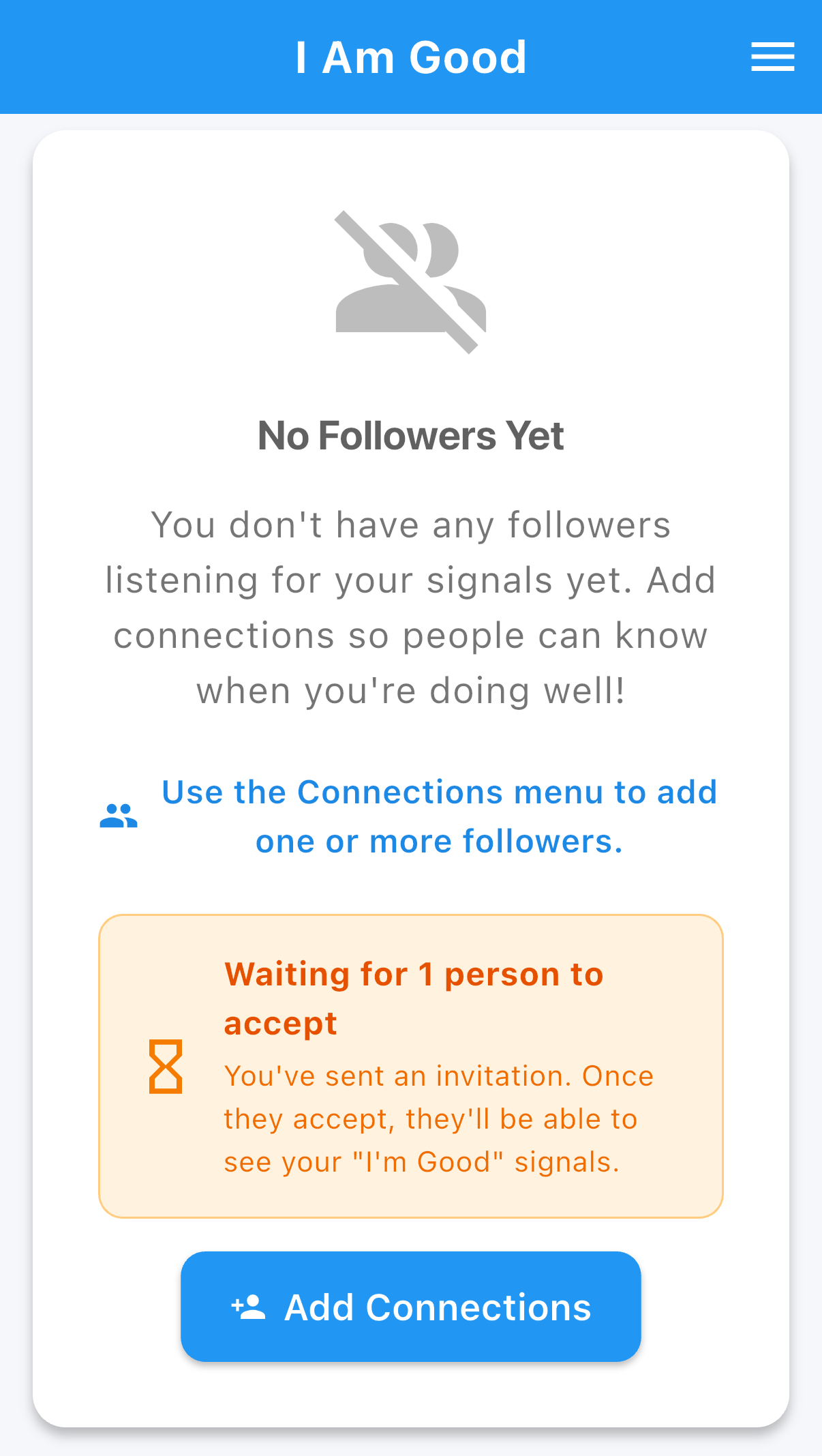 Wait for acceptance — Your loved one must accept the connection request before the link is active.
 -
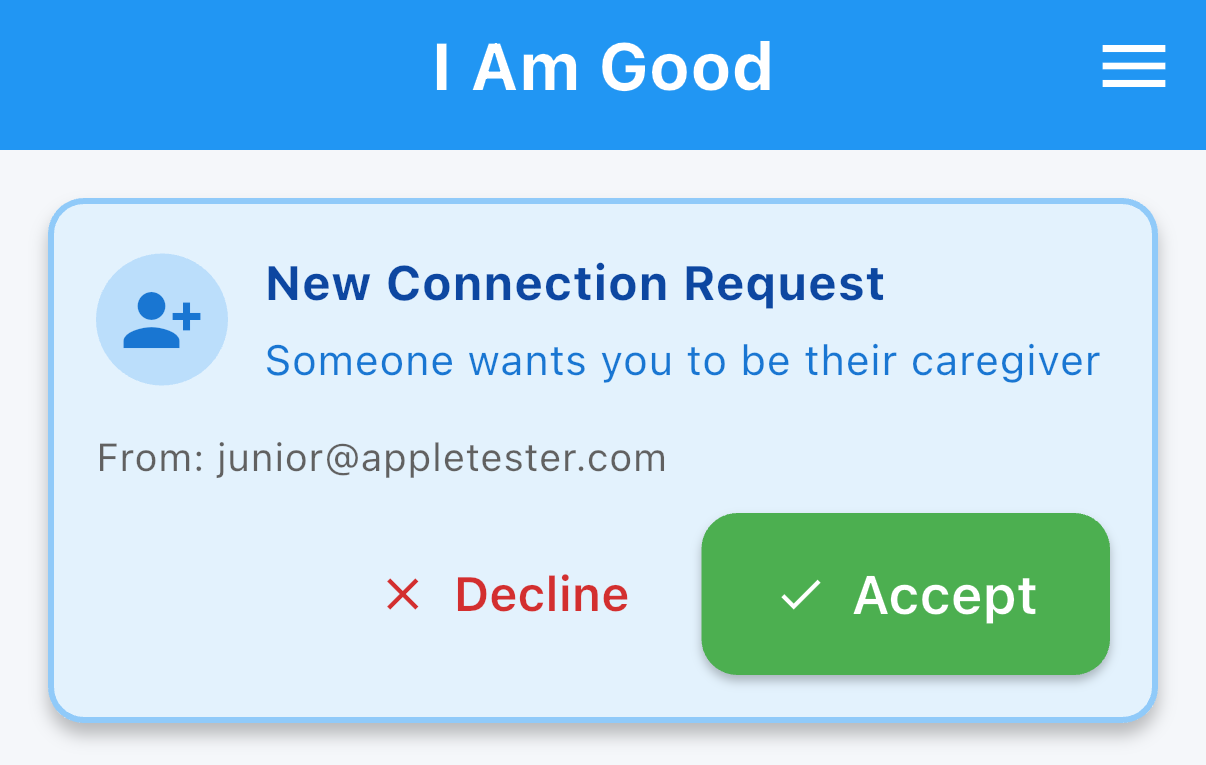 When you see a new connection request — Accept the connection to link with your loved one.
 -
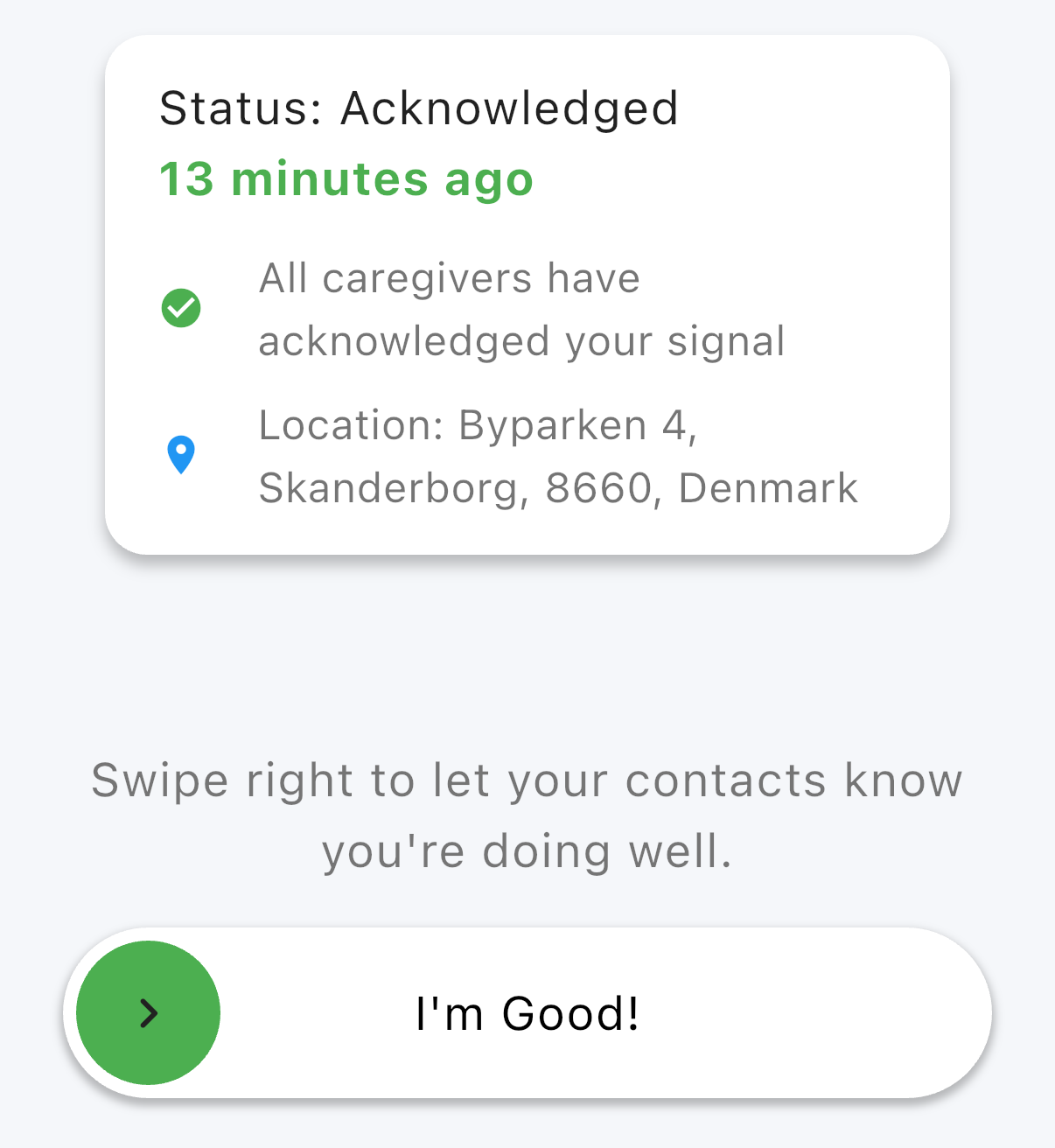 If you're a care recipient — Send an "I'm good" signal to notify your carers.
 -
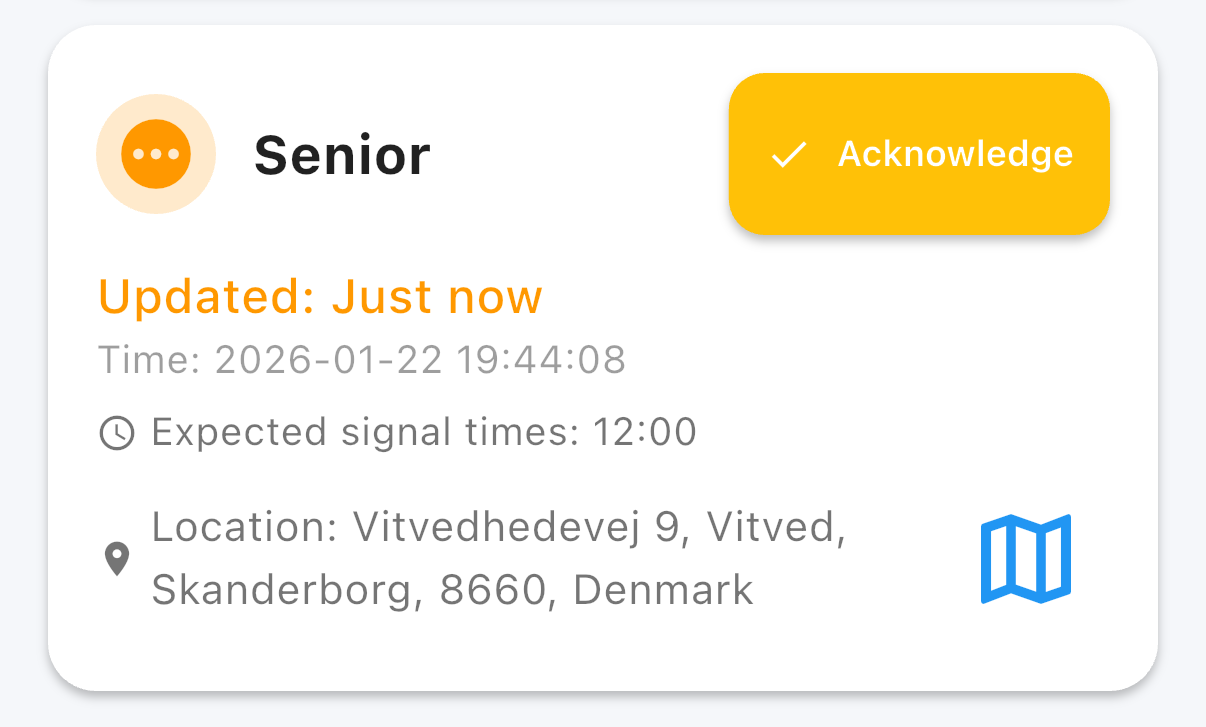 If you're a care giver — You will see when a loved one sends an "I'm good" signal and receive notifications accordingly.
 -
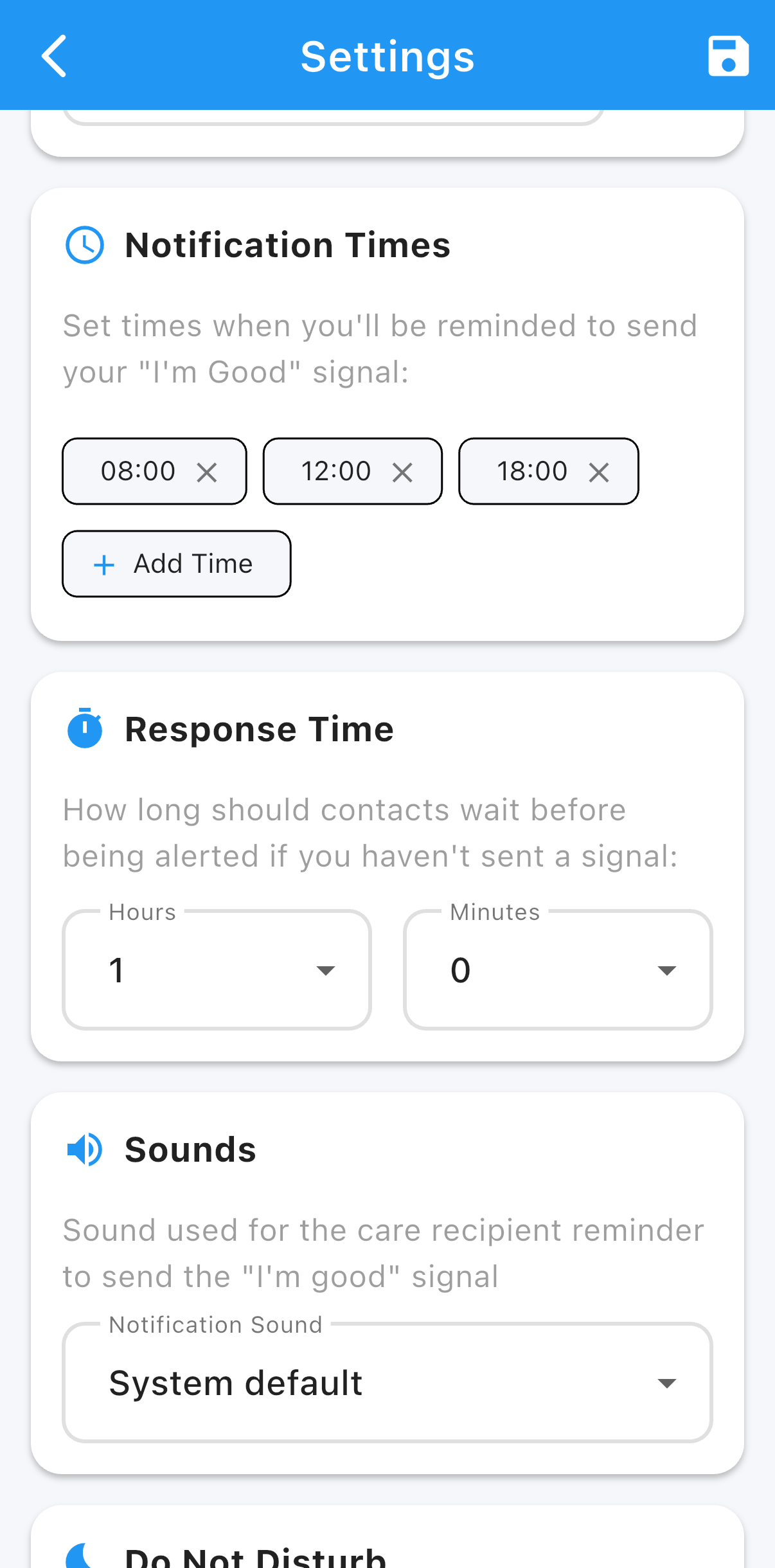 Settings — Adjust notification times and other preferences in Settings if needed.